
How to Create a Custom Pair
Edited
You set a Custom Pair when you create your coin. It can't be added or changed afterwards.
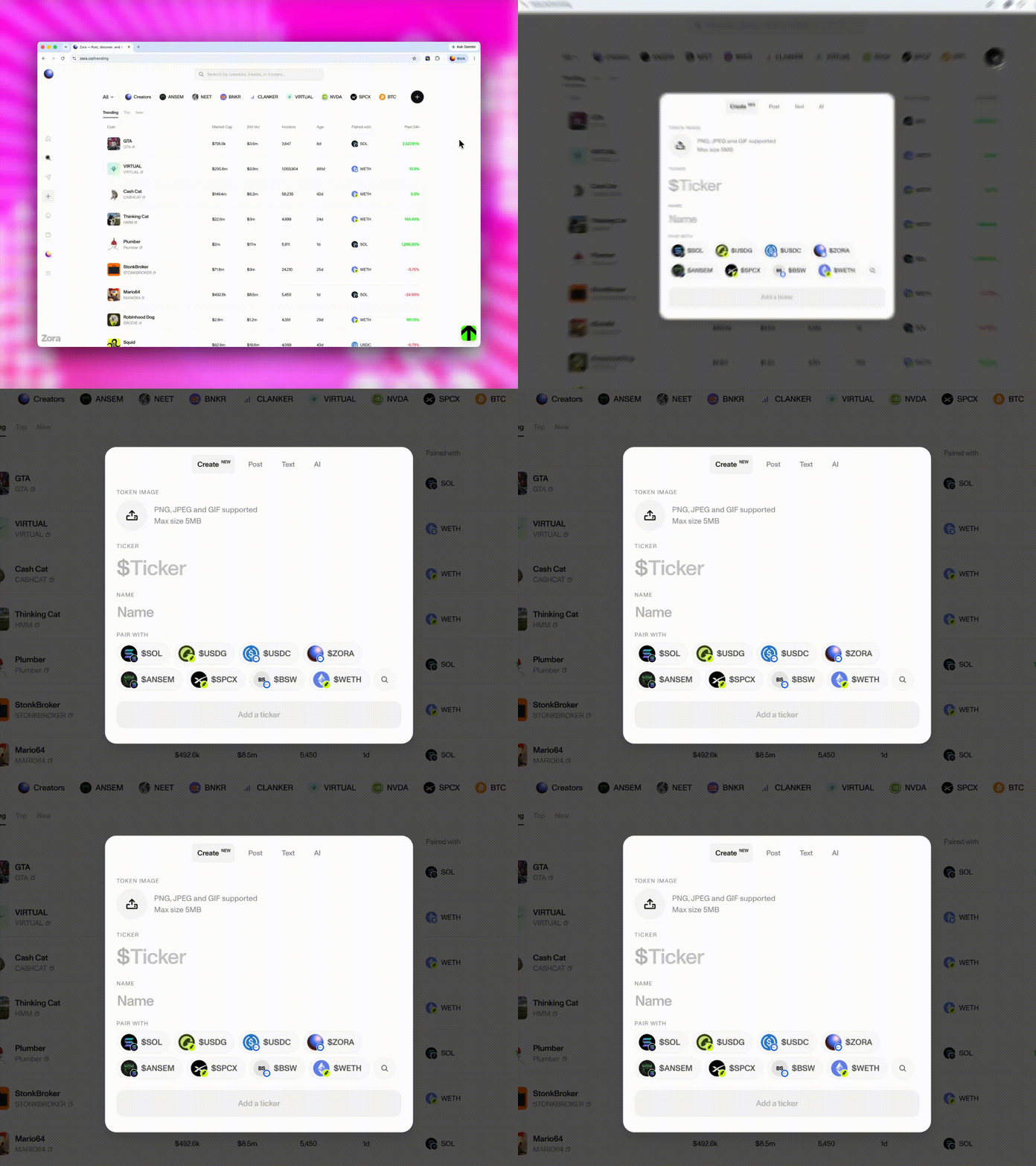
Start creating a new post in Zora
Open the custom pair or tag selector in the create form
Search for and select a supported asset
Finish entering your token details
Review and confirm the transaction
What assets can be used?
An asset must be available in Zora's token data and meet current eligibility rules to appear as an option. An asset may not appear if:
It is blocked
It is not currently available in Zora's token data
It already has a non-default pair relationship
It is otherwise restricted by current product rules
Was this article helpful?
Sorry about that! Care to tell us more?