How to Buy and Sell a Custom Pair
Edited
Buying and selling a Custom Pair works the same as any other coin on Zora — you're just trading against a different base asset.
To Buy
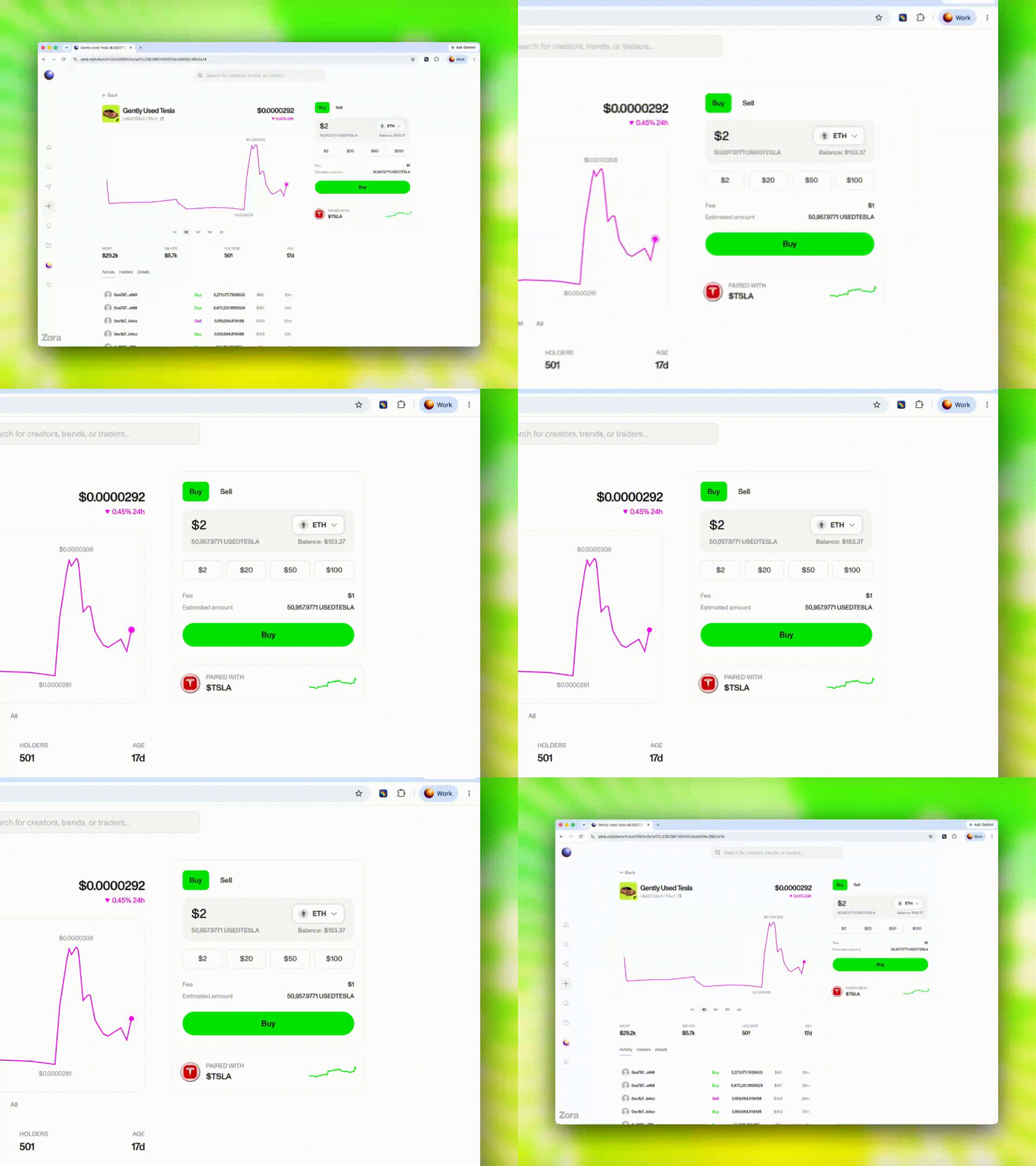
Find the coin via Explore, your wallet, or a direct pair page link
Tap Buy
You'll spend the paired asset (e.g. if the coin is paired with ETH, you spend ETH)
To Sell
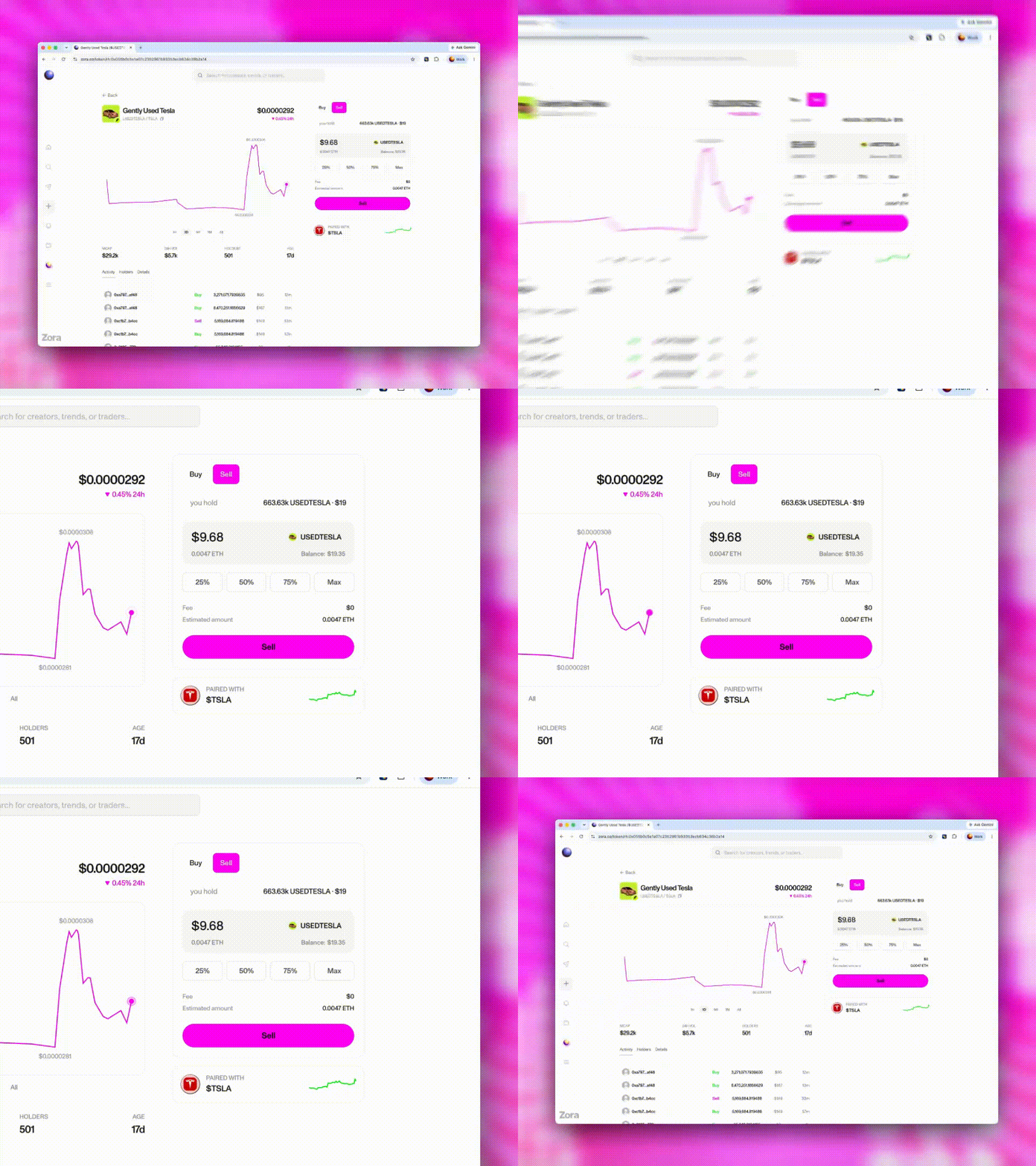
Go to the coin page or your Tokens tab
Tap Sell
You'll receive the paired asset back
Things to note
You need a balance of the paired asset in your wallet to buy
Custom Pair coins appear in your Tokens tab
US users can't trade coins paired with Robinhood stock tokens — see "Why can't I trade Robinhood stock tokens in the US?"
Find pair pages
Pair pages are reachable from Explore, your wallet, or direct links. The specific page shown depends on which asset the coin is paired with.
Was this article helpful?
Sorry about that! Care to tell us more?