Making your first trade
Every post on Zora is an instantly tradeable coin. You can buy and sell from an always-available market. Whether supporting your favourite creator, enjoying a meme, or just scrolling through and buying what you like, trading on Zora has never been easier.
What am I trading?
When you trade on Zora, you buy and sell coins from an always-available market. These coins can be freely traded anytime, giving you the flexibility to:
Buy coins of content you believe in
Sell coins when you want to exit a position
Build a portfolio of content you believe in
How to Buy a Coin
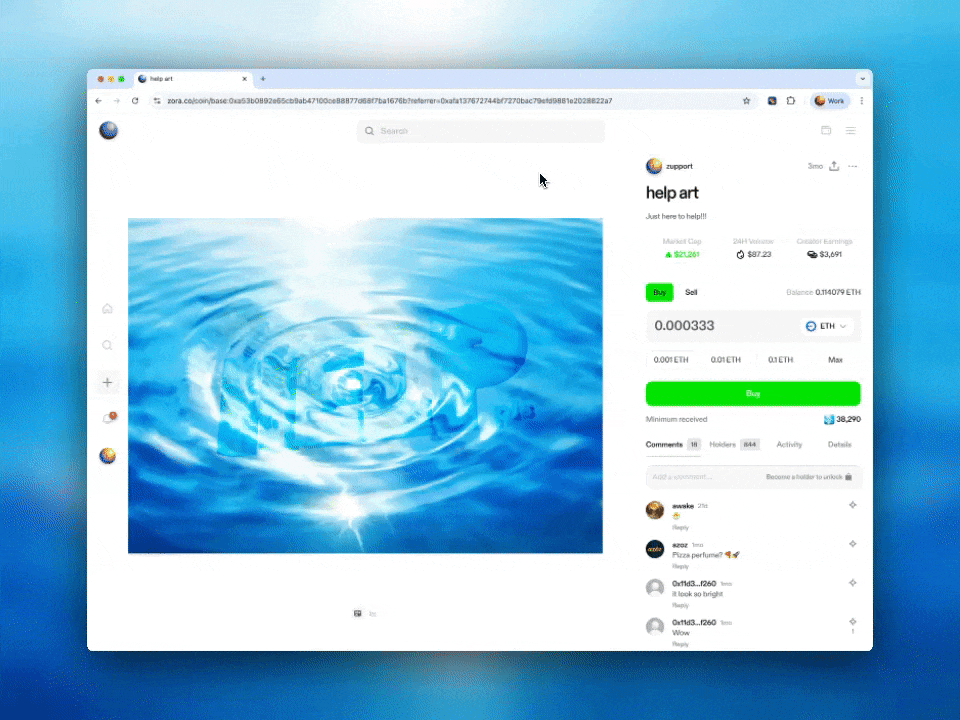
Navigate to the coin you want to trade
On mobile, you can touch and hold or double-tap a coin to open the trade sheet quickly
Tap "Buy"
Select the currency you want to trade with
Enter a custom amount or choose a preset
Check the “Blockchain fee” and “Estimated amount” before confirming your trade
Tap “Buy” to complete your purchase
How to Sell a Coin
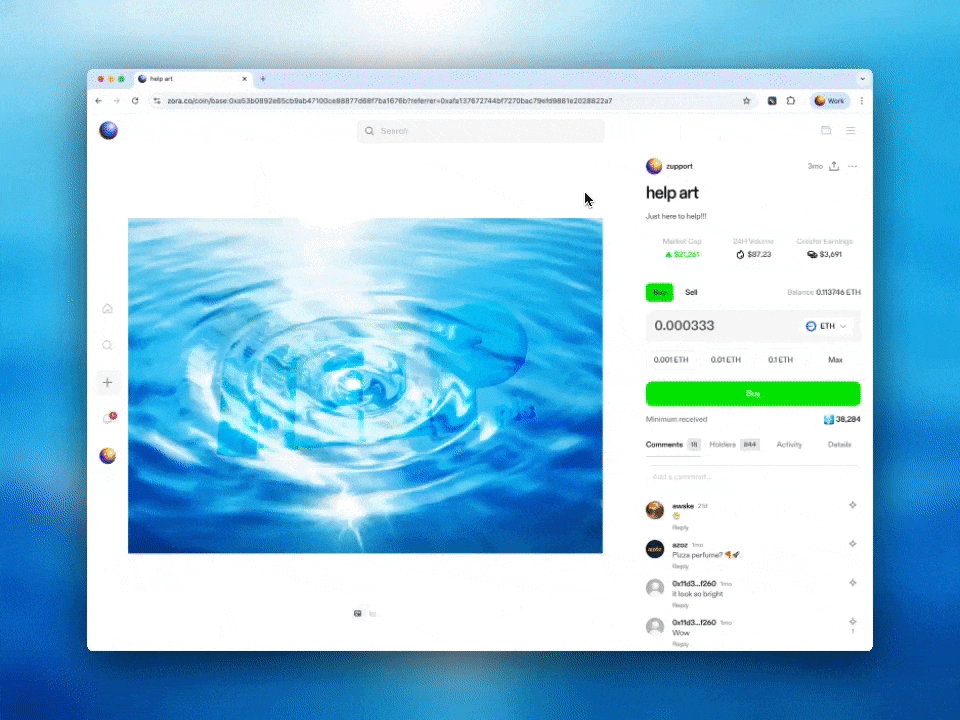
Navigate to the coin you want to sell
On mobile, you can touch and hold a coin to open the trade sheet quickly
Tap "Sell"
Enter a custom amount or choose a preset
Check the “Blockchain fee” and “Minimum received” before confirming
You can also change the currency you'll receive
Tap "Sell" to complete your trade
Need help or have some questions?
If you would like more help, please contact our support team via our help centre or tag us on X (formerly Twitter) and Farcaster.