Pairs on Zora
On Zora, you can create posts that are paired with other coins. By default, every post is paired with your own Creator Coin, but you can also choose to pair a post with:
Your own Creator Coin
One of your own already existing posts
Another creator's existing posts
A Trend coin – Learn more about Trends on Zora
Please note: You cannot pair a post with another creator's Creator Coin.
How to Create a Pair
Tap + to open the create menu:
Select the Upload tab
Upload your image or video file
The supported file formats are jpg, png, gif, or mp4, with a max size of 6GB.
Posting on Mobile? You can edit and add effects to your image before posting:
Crop your image
Add a sticker to your image
Draw
Add custom text over your image
Add a $Ticker to your Paired post
Just as you might use an abbreviation for a long name, a ticker is a short symbol that identifies your coin
Please note: Once a Pair is created onchain, the ticker cannot be changed.
Add a Name to your Paired post
Write a description (optional)
Select the coin you want to pair your post with
Buy more (optional)
When you create a post, you'll receive 10 million of the paird coin by default. You can buy more before your post goes live.
Tap Post to publish
How to View Existing Pairs
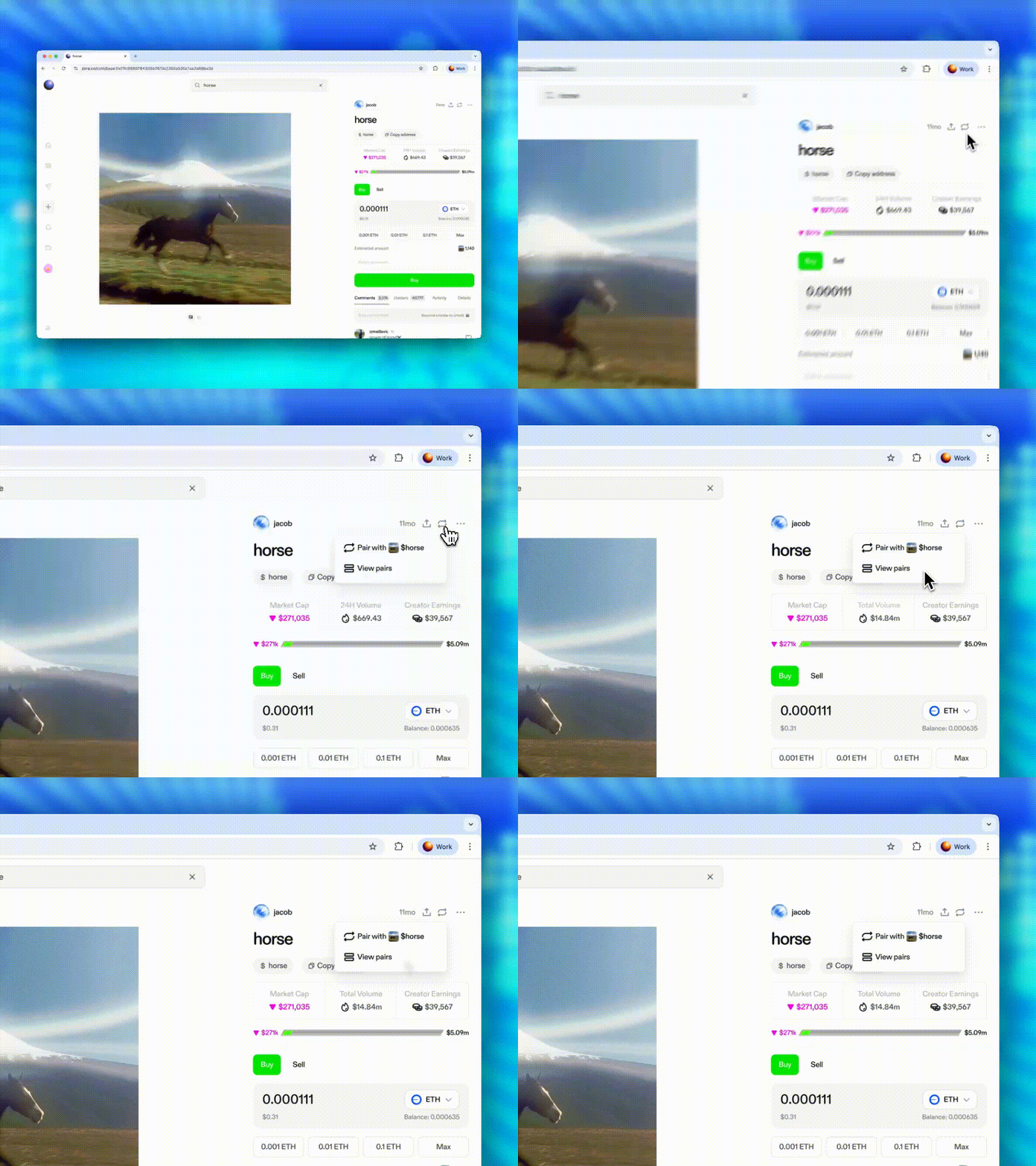
To view existing pairs for a post, select the 🔁 icon and then choose "View pairs".
Need help or have questions?
If you need further assistance, please don't hesitate to contact our support team through our help centre or tag us on X (formerly Twitter) and Farcaster.